

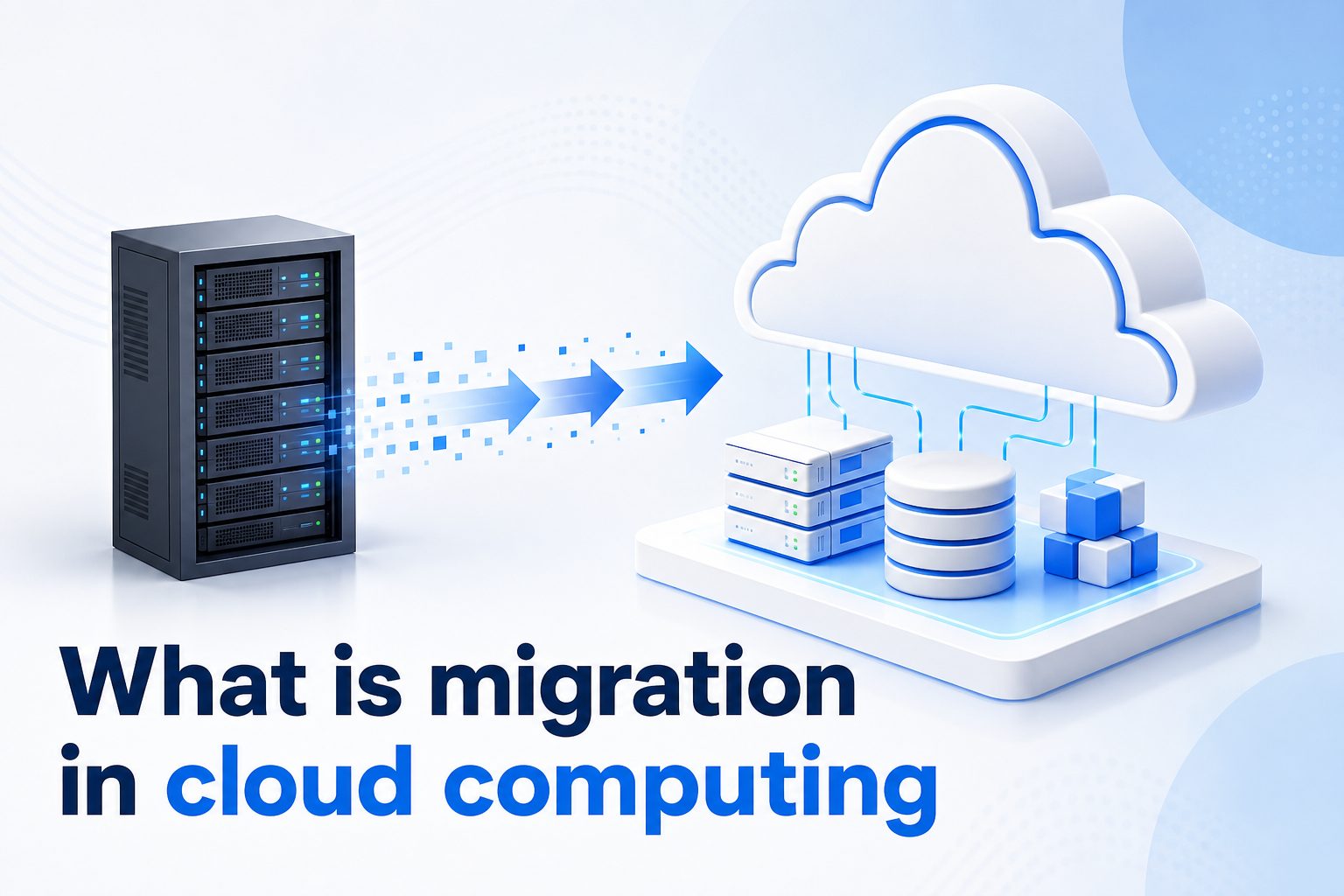
Migration in cloud computing is the process of moving applications, data, workloads, IT resources, or entire business systems from one environment to a cloud-based environment. That move may be from physical servers to a public cloud, from one cloud provider to another, or from an older cloud setup to a more modern architecture.
Businesses consider cloud migration when they want better scalability, lower infrastructure overhead, improved performance, stronger disaster recovery, or easier access to modern technologies. Instead of buying and maintaining more hardware, teams can use cloud services that expand or shrink based on demand.
A successful migration is not just a technical transfer. It requires planning, security review, cost analysis, testing, staff training, and ongoing optimization. The goal is to move systems in a way that protects business continuity while improving how technology supports the organization.
This guide explains what cloud migration means, why it matters, the main types, practical steps, common mistakes, best practices, examples, use cases, and frequently asked questions so you can evaluate cloud migration with confidence.
Cloud migration matters because modern organizations rely on technology that must be reliable, flexible, and available from many locations. Traditional infrastructure can become expensive and difficult to scale when business needs change quickly.
With cloud computing, companies can use storage, servers, databases, networking, analytics, and software platforms without owning every piece of hardware. This gives IT teams more room to focus on business outcomes instead of routine maintenance.
Migration can also improve resilience. Cloud platforms often provide backup, replication, monitoring, and recovery features that are difficult or costly to build in a private data center.
Cost control is another major reason. While cloud services are not automatically cheaper, they can reduce waste when resources are planned carefully, monitored regularly, and matched to actual usage.
The strongest migration projects connect technology decisions to business goals. A company should know whether it wants faster product delivery, better uptime, global reach, easier compliance, or lower operational complexity before choosing a migration path.
What Does Cloud Migration Include?
1. Moving Business Applications
Application migration means moving software from an existing environment into the cloud. This may include customer portals, internal dashboards, accounting systems, content platforms, or custom business tools. Some applications can move with minor changes, while others need redesign before they perform well in the cloud.
2. Transferring Data And Databases
Data migration involves moving files, records, databases, backups, and archives into cloud storage or cloud database services. This step needs careful planning because data must remain accurate, secure, and available. Teams often clean, classify, and test data before completing the final transfer.
3. Replacing Physical Infrastructure
Many organizations migrate from on-premises servers to virtual machines, managed services, or container platforms in the cloud. This reduces dependence on local hardware and can improve flexibility. However, teams still need to design networks, permissions, monitoring, and backup policies properly.
4. Updating Security Controls
Cloud migration includes reviewing identity access, encryption, firewall rules, logging, and compliance requirements. Security responsibility is shared between the cloud provider and the customer, so teams must understand which controls they still need to configure and manage after migration.
5. Changing Operating Processes
Moving to the cloud often changes how teams deploy software, monitor performance, handle incidents, and manage costs. Processes that worked in a traditional data center may need updates. Good migration planning includes training, documentation, and clear ownership for cloud operations.
6. Optimizing After The Move
Migration does not end when workloads are running in the cloud. Teams should continue improving performance, cost, reliability, and security. Post-migration optimization helps organizations avoid overspending, remove unused resources, and make better use of cloud-native capabilities.
Key Benefits Of Cloud Migration
1. Cloud migration can improve scalability because businesses can add or reduce computing resources based on demand instead of buying hardware far in advance.
2. It can support better business continuity by using cloud backup, replication, availability zones, and disaster recovery options.
3. It may reduce operational burden because cloud providers manage much of the physical infrastructure, hardware replacement, and facility maintenance.
4. It can improve access to modern tools such as analytics, artificial intelligence, automation, serverless computing, and managed databases.
5. It can help distributed teams work more effectively because cloud services are accessible from different locations with the right security controls.
Types Of Cloud Migration
- Rehosting: Rehosting, often called lift and shift, moves applications to cloud infrastructure with minimal changes. It is usually faster than redesigning systems, but it may not deliver the full cost and performance benefits of cloud-native architecture.
- Replatforming: Replatforming makes selected improvements during migration, such as moving a database to a managed service or adjusting storage. It balances speed with useful modernization without completely rebuilding the application.
- Refactoring: Refactoring means redesigning or rewriting parts of an application so it works better in the cloud. This approach takes more effort, but it can improve scalability, resilience, maintainability, and long-term value.
- Repurchasing: Repurchasing replaces an existing application with a cloud-based software service. For example, a company may move from a self-hosted tool to a subscription platform that handles hosting, updates, and availability.
- Retiring: Retiring means removing systems that are no longer useful before migration. This reduces complexity, cuts waste, and prevents teams from paying to move applications that the business no longer needs.
- Retaining: Retaining keeps some workloads in the current environment because they are not ready for the cloud, have special compliance needs, or are too costly to move immediately. Many organizations use this as part of a hybrid strategy.
How To Plan A Cloud Migration
1. Define The Business Goal
Start by identifying why the organization wants to migrate. The goal may be lower costs, faster deployment, improved reliability, global expansion, better security, or easier modernization. Clear goals help teams choose the right migration strategy instead of moving workloads without a measurable purpose.
2. Assess The Current Environment
Create an inventory of applications, databases, servers, integrations, dependencies, users, and compliance requirements. This assessment shows which systems are critical, which are outdated, and which can move first. It also helps avoid surprises during testing or production cutover.
3. Choose The Right Migration Strategy
Each workload may need a different approach. A simple internal tool may be rehosted, while a customer-facing application may need refactoring. The best strategy depends on risk, budget, time, performance needs, and how much modernization the business expects.
4. Estimate Costs Before Moving
Cloud pricing can be flexible, but it can also become confusing. Estimate compute, storage, networking, backup, support, monitoring, and licensing costs before migration. Include expected growth and data transfer needs so the project has a realistic financial baseline.
5. Test Security And Compliance
Before production migration, validate access controls, encryption, logging, backup policies, and regulatory requirements. Security should be designed into the migration plan from the beginning. Waiting until the end can create delays and expose sensitive systems to unnecessary risk.
6. Run A Pilot Migration
A pilot migration uses a lower-risk application or workload to test the migration process. It helps teams confirm tools, timelines, rollback plans, communication steps, and performance expectations. Lessons from the pilot can improve the larger migration program.
7. Monitor After Migration
After systems move to the cloud, teams should watch performance, availability, user experience, errors, and spending. Monitoring confirms whether the migration met its goals and helps teams fix issues quickly before they affect customers or internal operations.
Cloud migration is the movement of applications, data, infrastructure, and business systems into a cloud environment. It can involve a simple transfer, a partial improvement, or a complete redesign depending on the organization’s goals.
The value of migration comes from better scalability, resilience, flexibility, and access to modern services. However, those benefits require thoughtful planning, careful testing, cost management, and strong security controls.
The best cloud migration projects begin with business priorities and then match each workload to the right technical approach. When teams plan clearly and optimize after the move, cloud migration becomes a practical path to stronger digital operations.
FAQs About Migration In Cloud Computing
What Is Migration In Cloud Computing?
Migration in cloud computing is the process of moving applications, data, workloads, or IT infrastructure from one environment to a cloud environment. It can include moving from physical servers to the cloud, from private cloud to public cloud, or from one cloud provider to another.
Why Do Companies Migrate To The Cloud?
Companies migrate to the cloud to improve scalability, reduce hardware management, strengthen disaster recovery, support remote access, and use modern technology services. Some also migrate to speed up software delivery or replace aging infrastructure that is expensive to maintain.
Is Cloud Migration Always Cheaper?
Cloud migration is not automatically cheaper. It can reduce costs when resources are planned, monitored, and optimized well. However, poor sizing, unused services, excessive data transfer, and unclear ownership can increase spending. Cost management should be part of the migration plan.
What Is The Biggest Risk In Cloud Migration?
One of the biggest risks is moving too quickly without understanding application dependencies, security needs, and business impact. This can cause downtime, data problems, performance issues, or unexpected costs. A careful assessment and phased migration reduce these risks.
How Long Does Cloud Migration Take?
The timeline depends on the number of workloads, complexity, data volume, compliance needs, and chosen migration strategy. A small application may take days or weeks, while a large enterprise migration can take months or longer with planning, testing, and optimization.
What Is The Best Cloud Migration Strategy?
The best strategy depends on the workload and business goal. Rehosting is useful for speed, replatforming adds moderate improvements, and refactoring provides deeper modernization. Many organizations use a mix of strategies rather than applying one method to every system.